¶ Log In
Go to members.manchestermakerspace.org. If you do not have an account yet, see Sign Up.
¶ Sign in
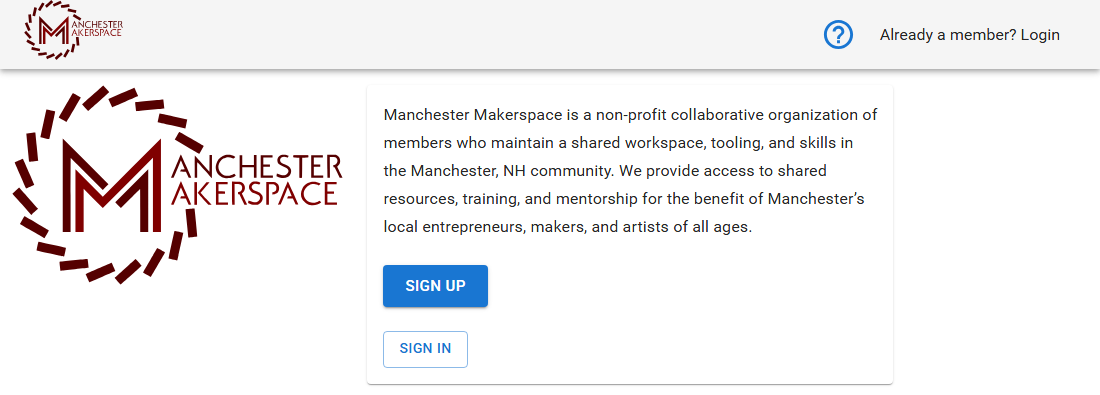
- On the front page, choose Sign In, or Already a member? Login at the top right.
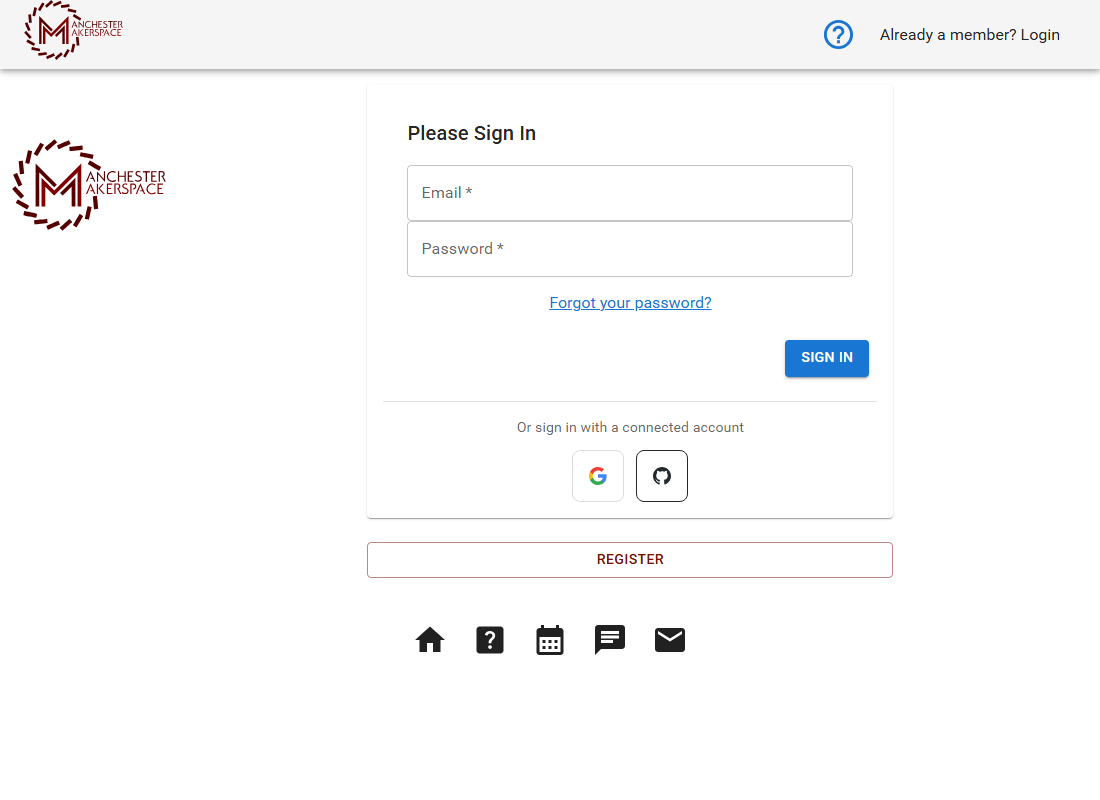
- Enter the email address on your membership and your password, then choose Sign In.
- You land on your Home page.
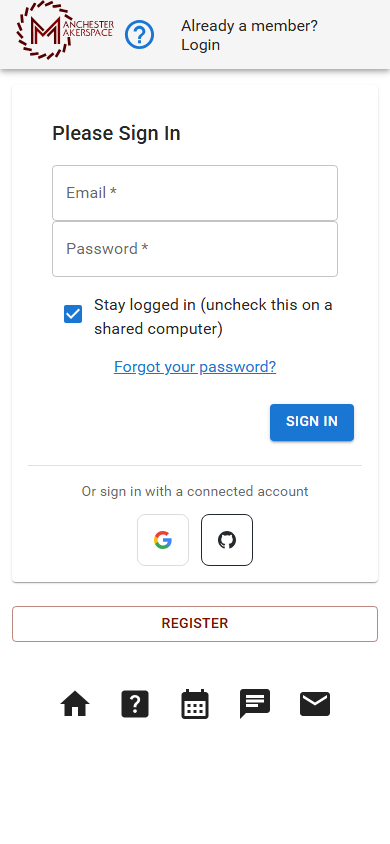
On a phone you also see Stay logged in (uncheck this on a shared computer). Leave it ticked on your own phone so you do not have to sign in every time. On a shared computer, untick it.
¶ Sign in with another account
Under Or sign in with a connected account you can choose Continue with Google, Apple, GitHub or Microsoft. If the email address on that account matches the email on your membership, you are signed in. If no membership uses that email, you are taken through sign-up to start one.
¶ If you did not set a password
If a board member or admin created your account for you, it has no password yet. Use the password reset steps below to set one.
¶ Reset a forgotten password
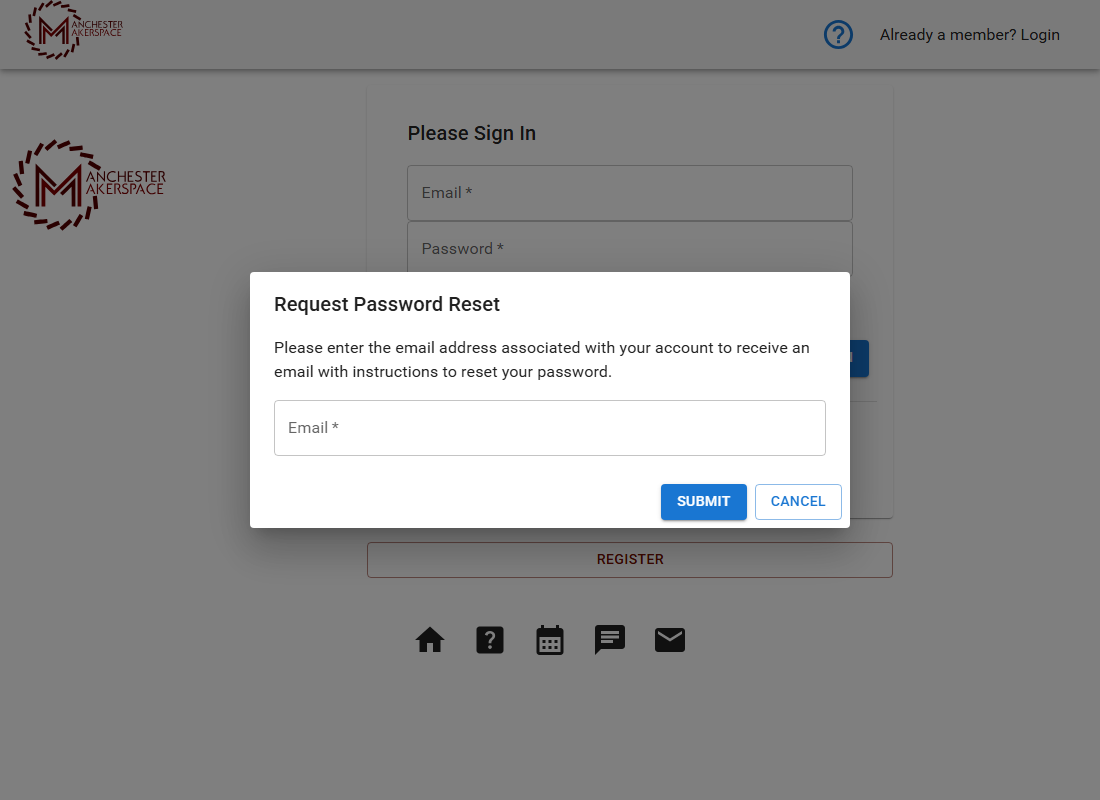
- On the sign-in page, choose Forgot your password?.
- Enter the email address on your membership and choose Submit. For security, the portal does not say whether that address has an account. If one exists, an email is sent.
- Open the email. The link in it works for 24 hours. If it does not arrive, check your spam folder, then request it again.
- Choose a new password in the form and submit. If it works, you are signed in.
If it still does not work, ask in #discuss-talk-to-the-board on Slack.
¶ Add a second step for extra security
You can turn on two-factor authentication. After your password, the portal then asks for a 6-digit code from an authenticator app such as Google Authenticator, Authy or Microsoft Authenticator.
- Sign in, open the portal menu and choose Security.
- Under Two-Factor Authentication (TOTP), choose Enable Two-Factor Authentication.
- Scan the QR code with your authenticator app, enter the 6-digit code it shows, and confirm.
From then on, sign in with your password and enter the Authentication Code when asked, then choose Verify. Two-factor authentication is not required for members at this time, but it is a good idea.
¶ If something goes wrong
See Troubleshooting.
Last reviewed: October 2026